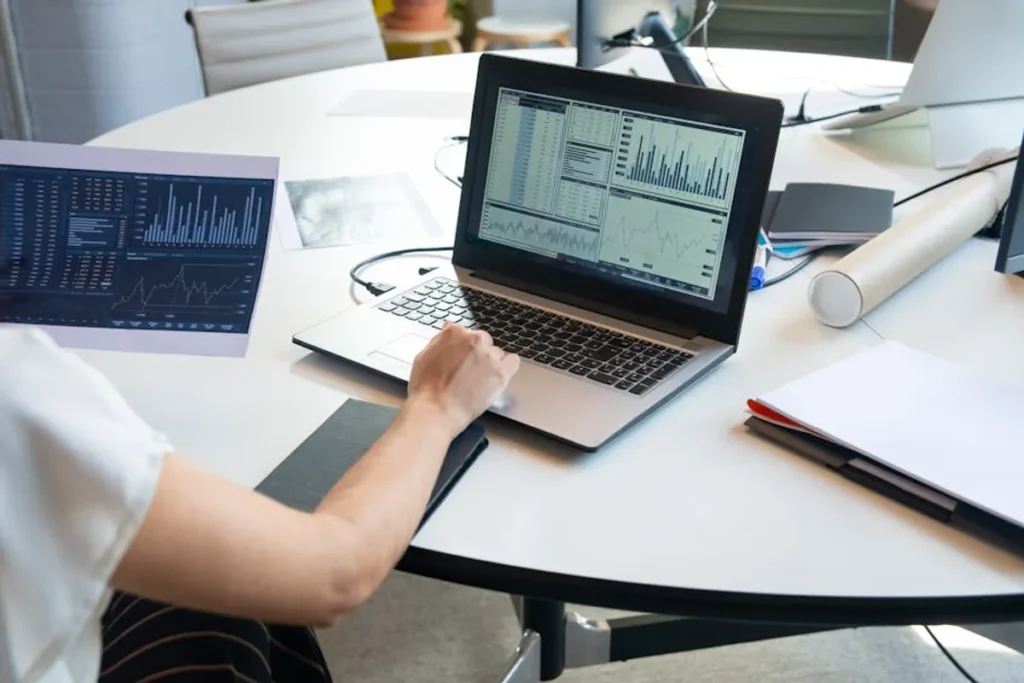
Tracking desktop SERPs requires a distinct approach from mobile, acknowledging fundamental differences in user intent, displayed features, and competitive landscapes. While search engines strive for a unified algorithm, the rendering and presentation of results vary significantly by device. For SEO professionals, marketers, and site owners, understanding and monitoring desktop performance is not merely a secondary concern but a critical component of a holistic visibility strategy, particularly for industries where desktop conversions or research remain predominant.
Why Desktop SERPs Demand Dedicated Monitoring
The desktop search experience is not a mirror image of mobile. Screen real estate, user interaction patterns, and content consumption habits diverge, leading to distinct SERP compositions and user engagement metrics. Ignoring these differences can lead to misinformed optimization efforts.
Distinct User Behavior and Intent
Desktop users frequently exhibit different search behaviors. They might be in a research phase, engaging with more complex content, or performing tasks that require larger screens and more input flexibility. This often translates to longer, more detailed queries and a higher propensity to explore multiple results before making a decision. For B2B services, complex software, or high-value purchases, desktop remains a primary conversion channel.
SERP Feature Discrepancies
Desktop SERPs often present a richer array of features compared to their mobile counterparts. Larger screens accommodate more extensive knowledge panels, a greater number of image or video carousel results, and more prominent local packs. Paid advertisements can also occupy more visual space. Tracking these features specifically for desktop reveals opportunities to optimize content for direct answers, visual search, or local intent that might not be as pronounced on mobile.
Core Metrics for Desktop SERP Tracking
Effective desktop SERP tracking moves beyond simple keyword position. It encompasses a broader set of data points that collectively paint a picture of visibility and competitive standing.
- Keyword Ranking: The foundational metric, indicating your page's position for target keywords. Track daily or even hourly to capture volatility.
- SERP Feature Presence: Monitor the appearance and your site's inclusion in desktop-specific features like Featured Snippets, People Also Ask (PAA) boxes, local packs, image carousels, and video carousels.
- Visibility Score / Share of Voice: An aggregated metric that quantifies your overall presence across a set of keywords, often weighted by search volume and position. This provides a high-level view of market penetration.
- Click-Through Rate (CTR) Potential: Analyze how SERP features and your ranking position influence potential clicks. A #1 organic ranking might yield fewer clicks if a prominent Featured Snippet or ad dominates the above-the-fold space.
- Competitor Analysis: Observe how direct and indirect competitors perform across the same keyword sets and SERP features on desktop. Identify their strengths and weaknesses to refine your strategy.
Methods for Implementing Desktop SERP Tracking
While manual spot-checking can offer anecdotal insights, truly understanding desktop SERP dynamics requires systematic, automated data collection.
Automated Rank Tracking Platforms
Dedicated platforms are essential for comprehensive desktop SERP monitoring. When evaluating solutions, consider their capabilities in these key areas:
- Update Frequency: Daily or even hourly tracking is crucial for identifying rapid shifts caused by algorithm updates or competitive movements.
- Location-Specific Tracking: The ability to track rankings from specific cities, states, or countries, reflecting localized search results.
- Device-Specific Tracking: A non-negotiable feature for desktop SERP analysis, ensuring data is collected specifically for desktop user agents.
- SERP Feature Identification: The platform should accurately detect and categorize various SERP features, indicating whether your content appears within them.
- Competitor Intelligence: Track an unlimited number of competitors for your target keywords to benchmark performance.
- Historical Data Retention: Long-term data storage is vital for trend analysis, identifying seasonal patterns, and assessing the impact of past SEO changes.
- Reporting and Alerting: Robust reporting capabilities and customizable alerts for significant ranking drops or gains are critical for timely intervention.
Pro Tip: When setting up desktop tracking, ensure your chosen platform allows for granular geographic targeting. Search results can vary significantly even within a few miles, especially for local intent queries. Tracking from a generic national data center may not accurately reflect your target audience's experience.
Integrating with Analytics and Search Console
Raw ranking data gains significant context when combined with insights from Google Analytics and Google Search Console. Use Search Console to understand impressions, actual CTRs, and the specific queries driving desktop traffic. Analytics provides deeper insights into user behavior post-click, such as bounce rate, time on page, and conversion paths, helping to correlate ranking performance with business outcomes.
Setting Up Your Desktop SERP Tracking Strategy
A structured approach ensures that tracking efforts yield actionable intelligence.
Keyword Selection: Prioritize keywords that align with desktop user intent and have significant search volume on desktop. This often includes longer-tail, research-oriented queries or terms related to complex products/services.
Geographic Targeting: Define the precise locations from which you need to track rankings. This could be national, regional, or hyper-local depending on your business model.
Competitor Identification: Clearly identify your primary desktop competitors. These might differ from your mobile competitors if user intent or product offerings vary by device.
Reporting Cadence: Establish a regular schedule for reviewing desktop SERP data. Weekly or bi-weekly reviews are common for monitoring trends, while daily checks are useful for reacting to volatility.
Alerts for Significant Shifts: Configure alerts for substantial ranking drops (e.g., 5+ positions) or gains (e.g., entering the top 10). This allows for rapid diagnosis and response to algorithm updates or competitive actions.
Optimizing Your Desktop Visibility Strategy
Tracking desktop SERPs is not an end in itself; it's the foundation for informed optimization. Use the data to:
Identify Content Gaps: Analyze PAA boxes and related searches to uncover questions users are asking on desktop, then create content to address them directly.
Optimize for SERP Features: Implement structured data (Schema.org) to increase the likelihood of appearing in rich snippets, knowledge panels, or other prominent desktop features.
Uncover New Keyword Opportunities: Monitor competitor performance and emerging trends in desktop search to identify underserved niches or evolving user queries.
Respond to Algorithm Updates: Rapidly detect the impact of core updates or smaller algorithmic adjustments by observing widespread ranking shifts across your desktop keyword portfolio. This allows for prompt content or technical adjustments.
Adjust Content Strategy: If competitors consistently dominate specific desktop SERP features, analyze their content and adjust your own to compete more effectively for those high-visibility placements.
Frequently Asked Questions
What is the main difference between desktop and mobile SERP tracking?
The primary difference lies in the rendering of SERP features, ad placements, and overall layout due to screen size and user interaction patterns. Desktop SERPs often display more diverse and larger features like extensive knowledge panels, more image/video results, and different ad formats, requiring device-specific tracking to capture these nuances accurately.
How often should I check desktop rankings?
For most businesses, daily tracking is recommended to capture volatility and the immediate impact of algorithm changes or competitive movements. Weekly or bi-weekly deep dives into reports can then provide a broader trend analysis and inform strategic adjustments.
Can I track desktop SERPs for local businesses?
Yes, and it's crucial. Desktop users often search with local intent, and SERP tracking platforms can be configured to track rankings from specific city, state, or even postal code levels. This ensures you're monitoring how your business appears to users in your target service areas. This ensures you're monitoring how your business appears to users in your target service areas, which contrasts with how you would approach tracking mobile SERPs.
Why do my manual desktop searches differ from tracking tool data?
Manual searches are highly personalized based on your search history, location, and logged-in status. Automated tracking tools typically simulate a "clean" search from a specific, unpersonalized location (often a data center), providing a more objective and consistent view of average SERP performance.